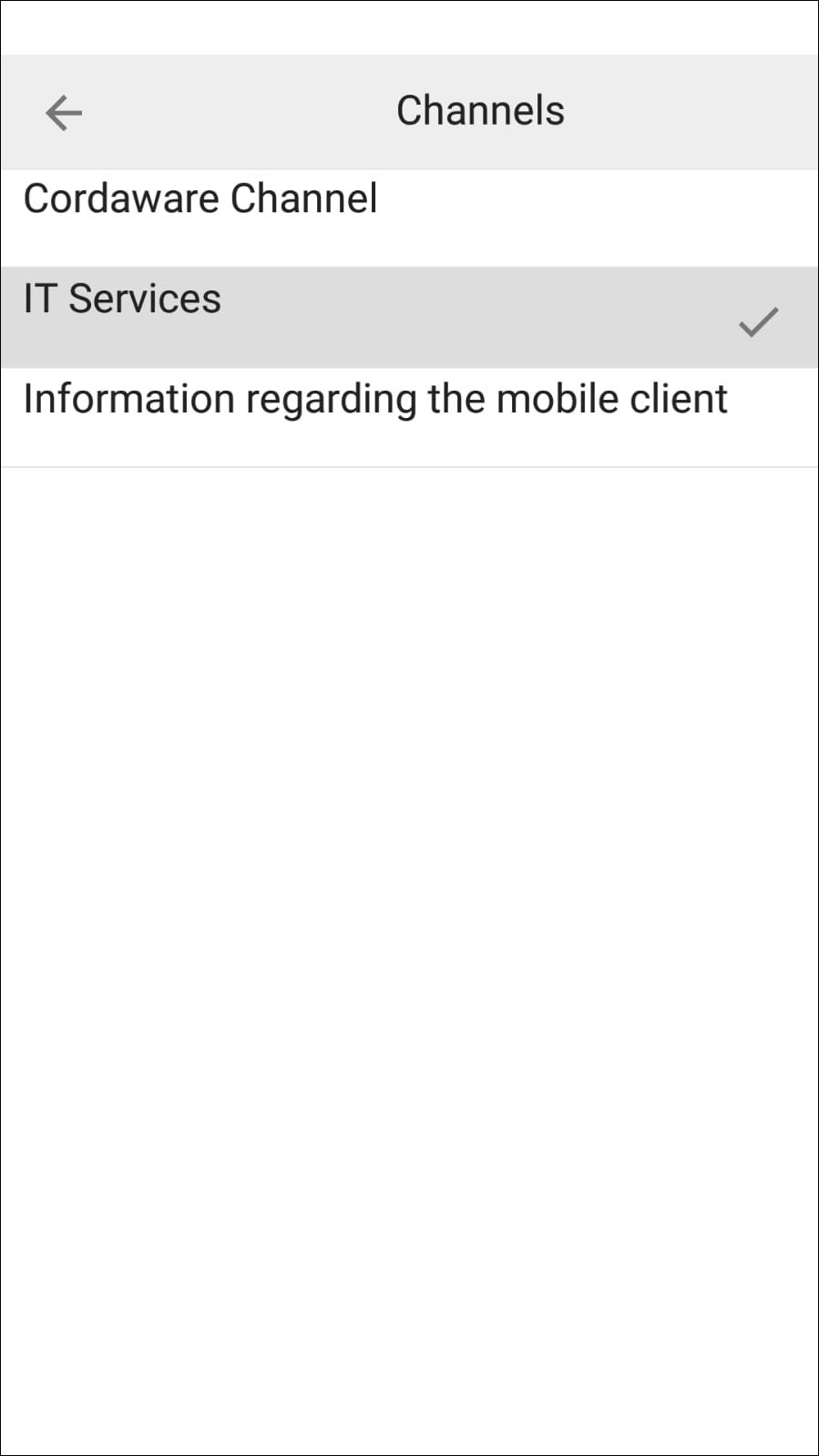
Channels which you have created in the web interface, can be subscribed to on your mobile device.
Proceed as follows in order to subscribe to a channel:
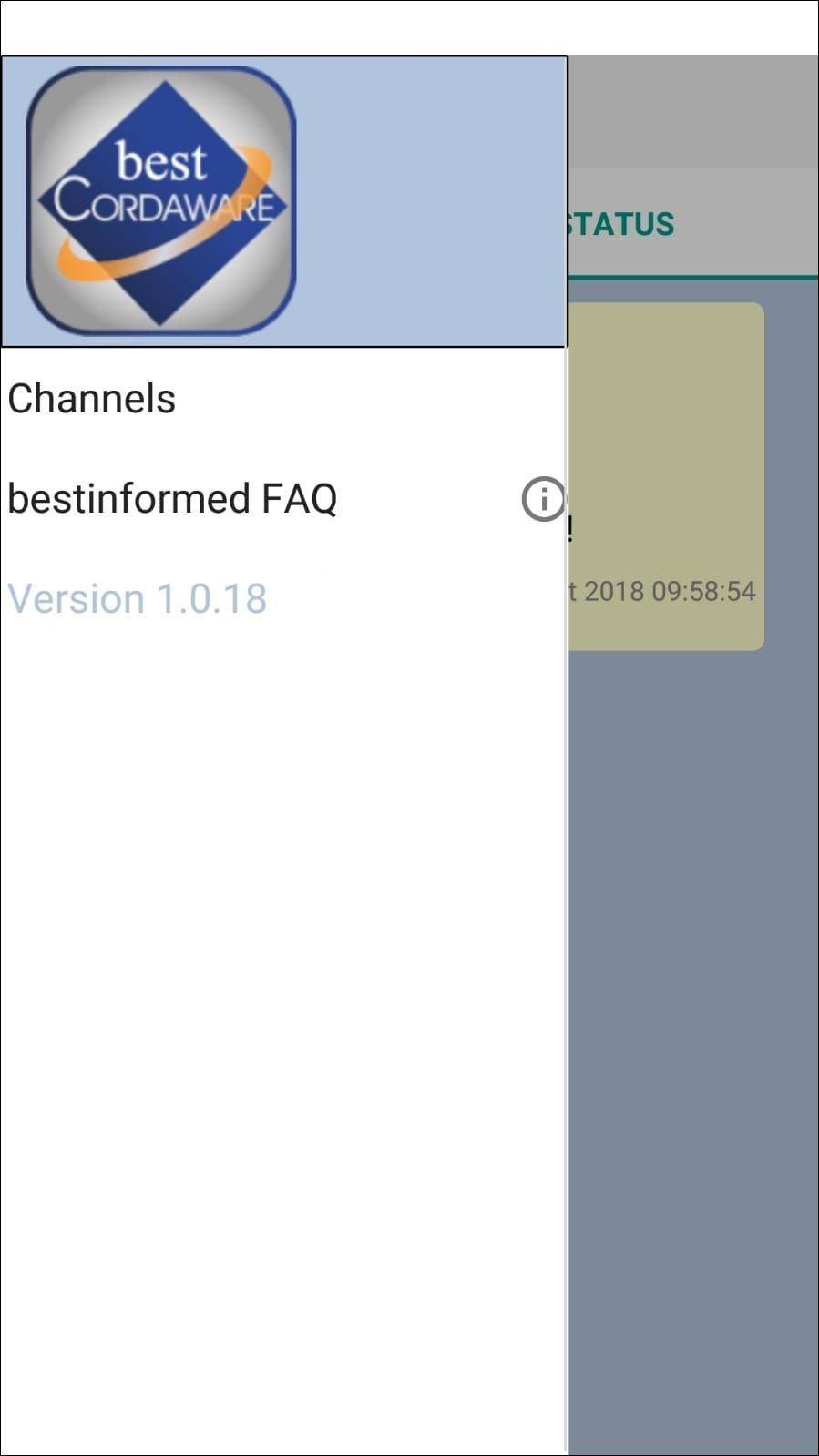
Open the menu and tap on the button Channels.
Here you have an overview of all existing channels. Additionally you can see which channels you have subscribed to or not.