The Cordaware bestinformed Mobile Client is a 64-bit application and is supported by all iOS / iPadOS versions from 11.x onwards that run 64-bit applications. In addition, IPv6 support is required.
To install the Cordaware bestinformed Mobile Client, open the Apple App Store and enter "bestinformed" in the search bar:
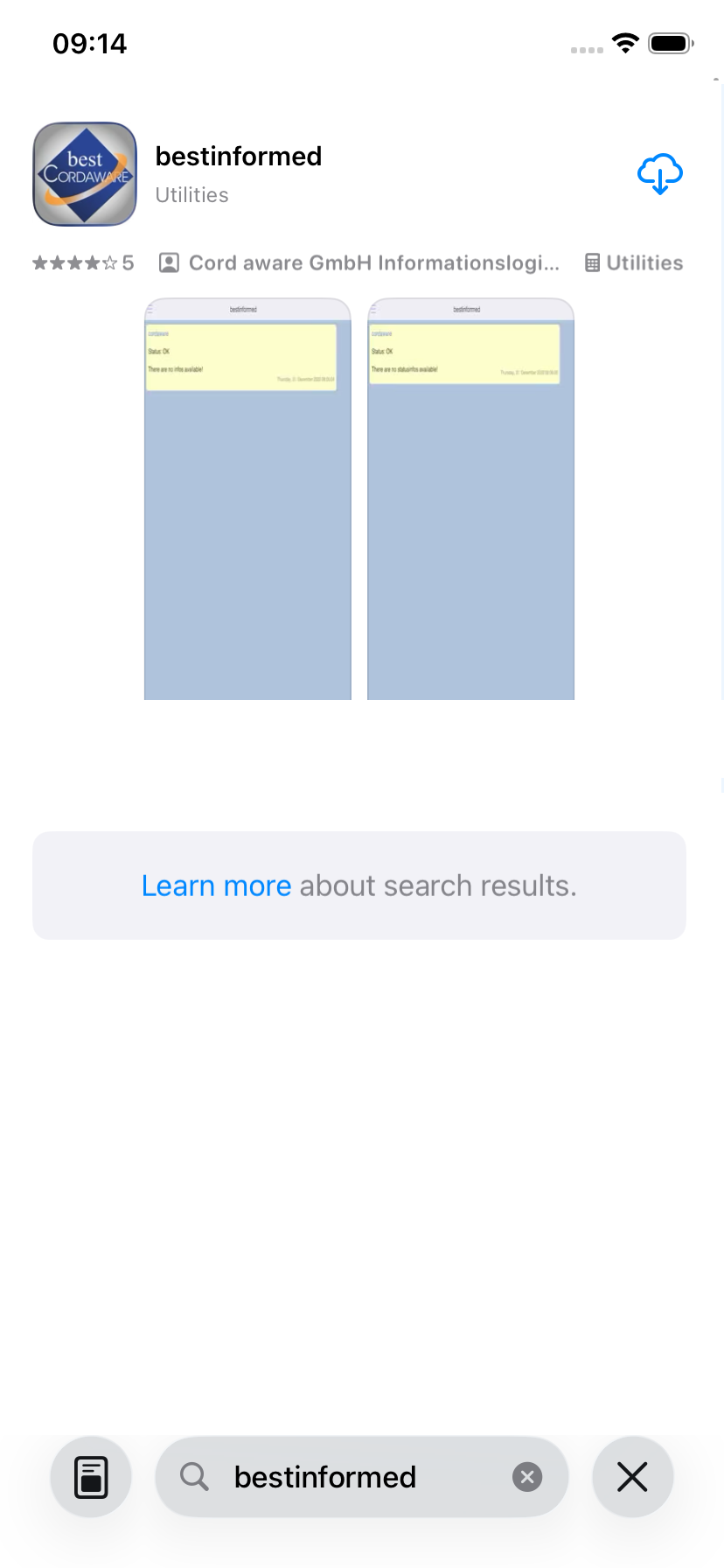
Now you can download the mobile client for your operating system.
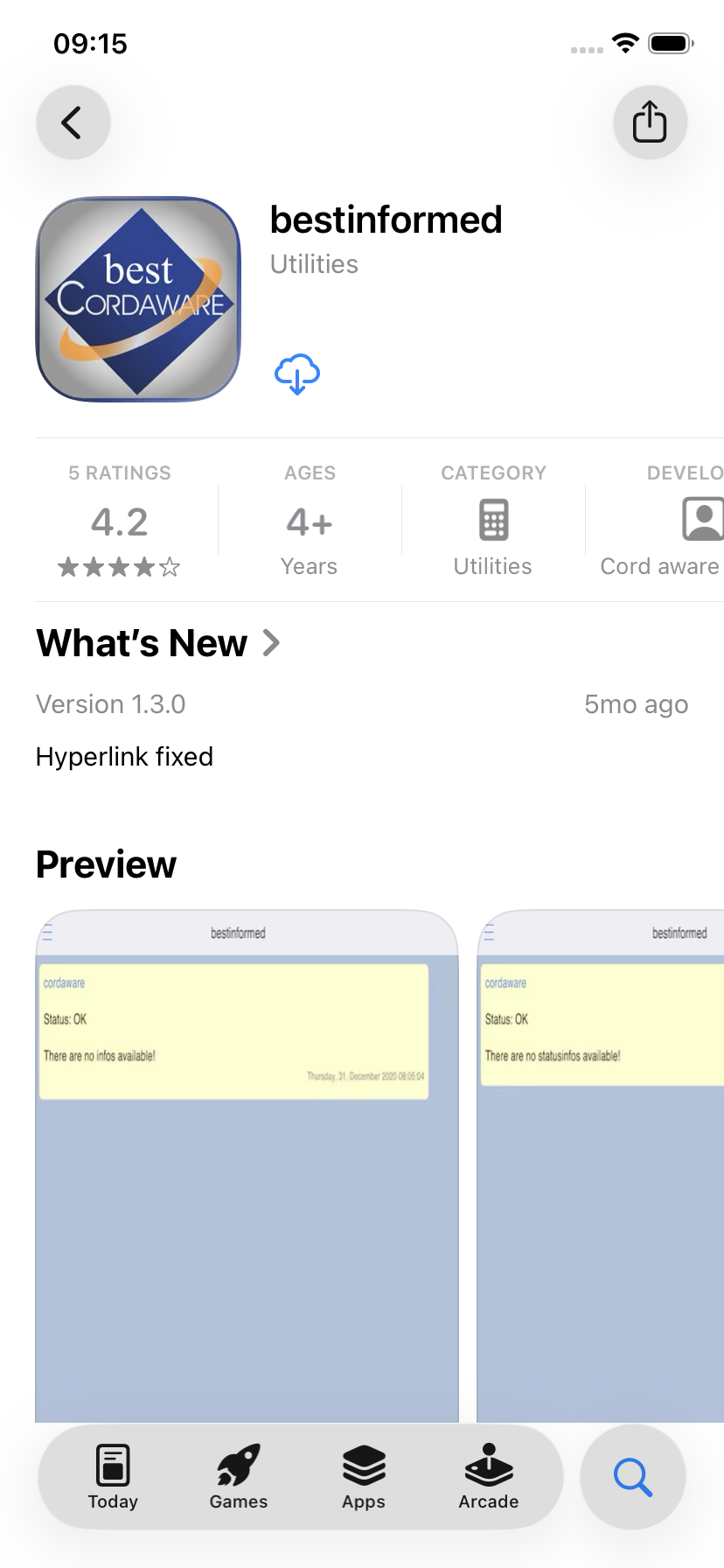
After installation, the Cordaware bestinformed Mobile Client is available to you like any other app.
The next steps for logging in can be found in the Registration chapter.