When receiving infos on the mobile client, a push notification will be shown. (If enabled on your mobile device)
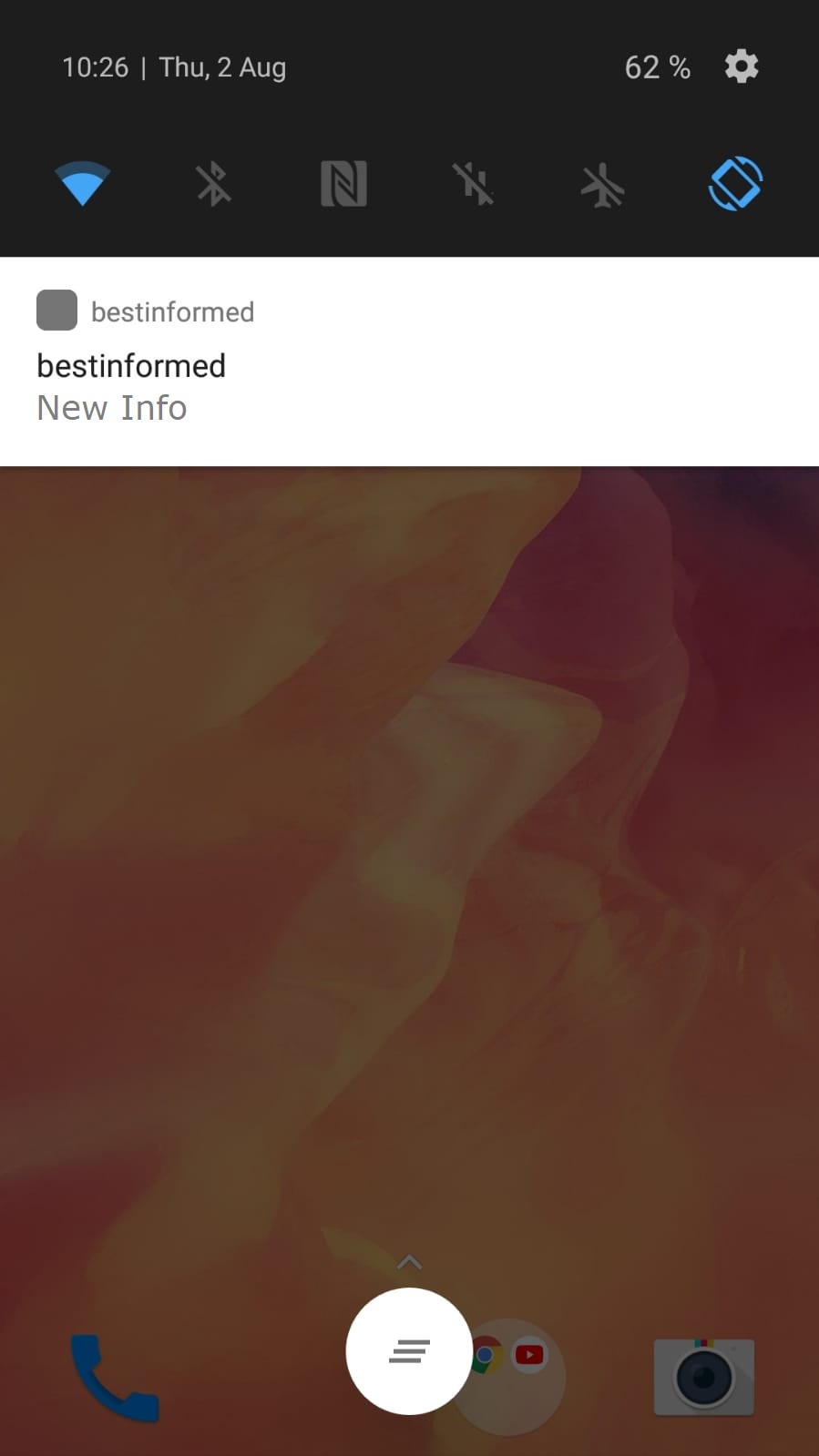
In order to view the info, open the mobile client or tap on the push notification.
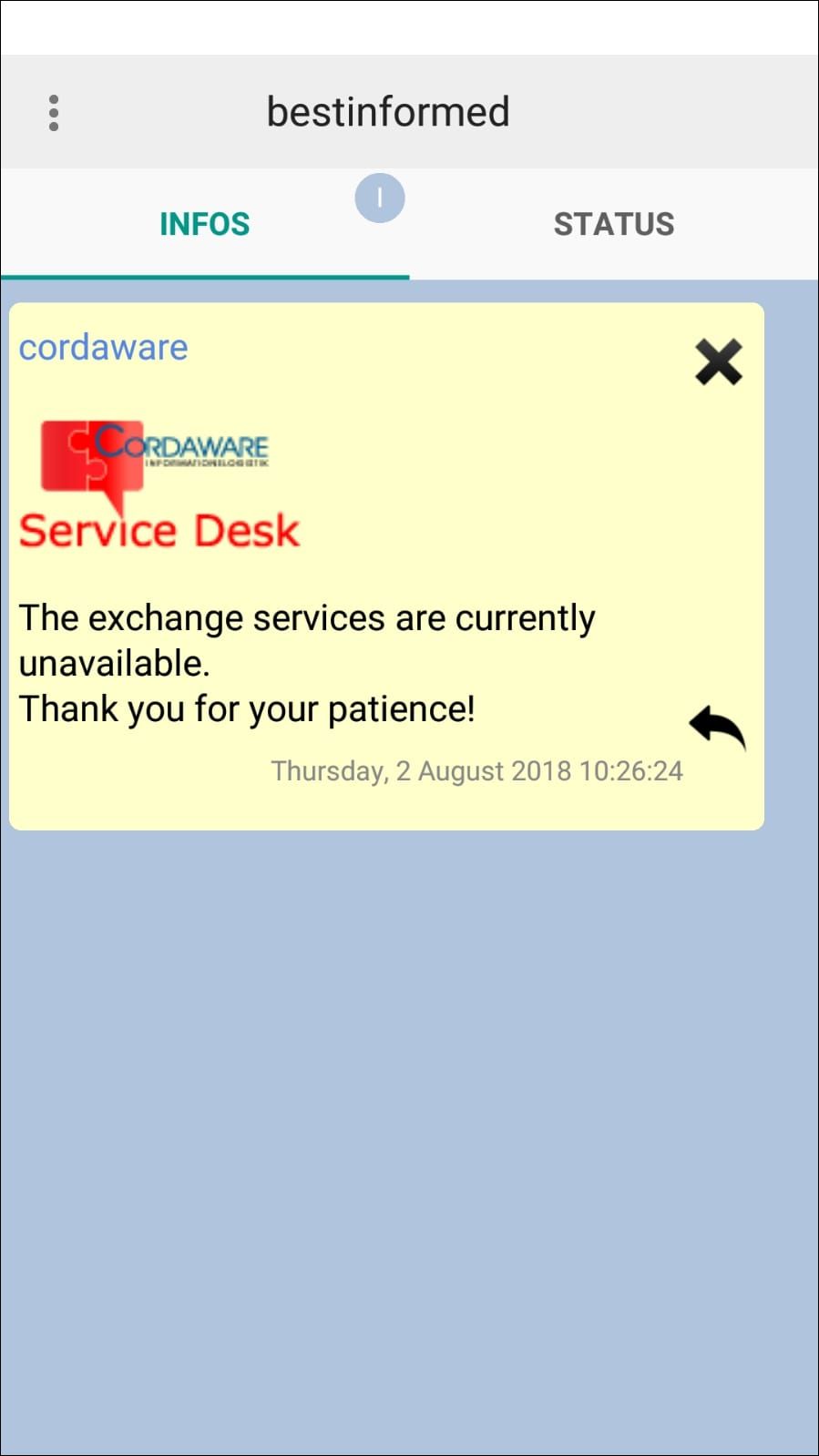
In the Infooverview you now have the possibility to close your info or send a response. (These options are available depending on the configuration of the info)
Response:
|
Note:
To use these functions in a productive environment, a corresponding license is required. |
In order to send a response to an info, tap on the response button in the bottom right corner of the info.
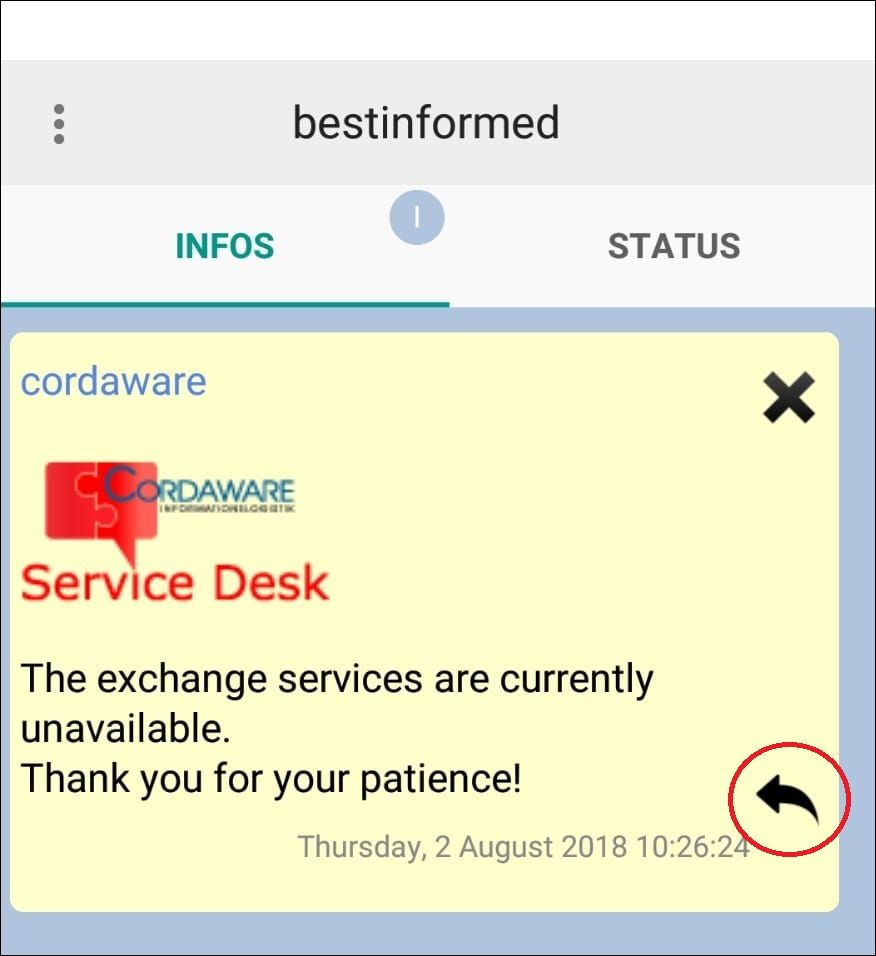
Afterwards you can create your response and send it back to the infoserver. Your response will be shown in the response overview in the webinterface of Cordaware bestinformed.
More infos regarding responses can be found here.